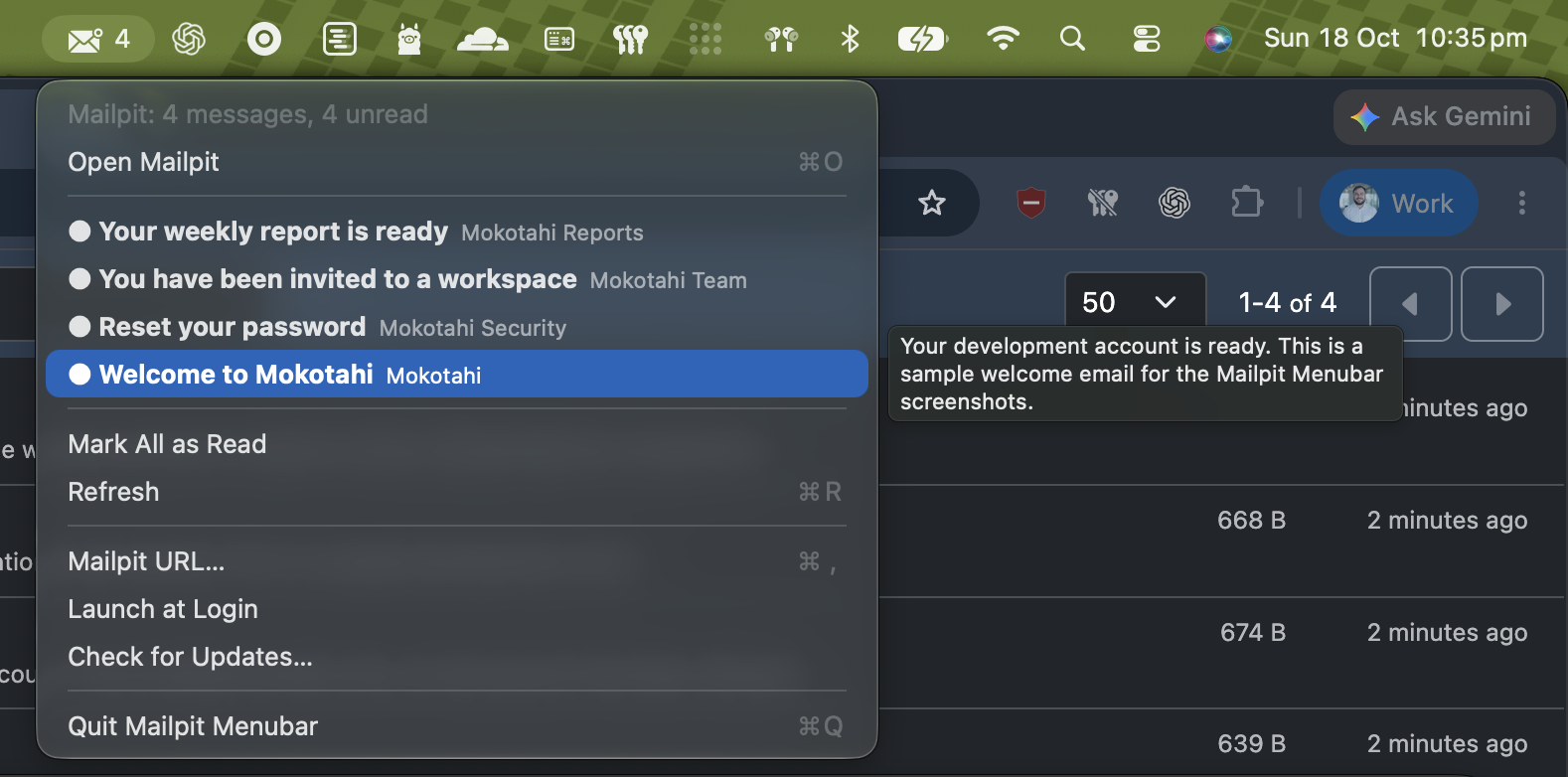
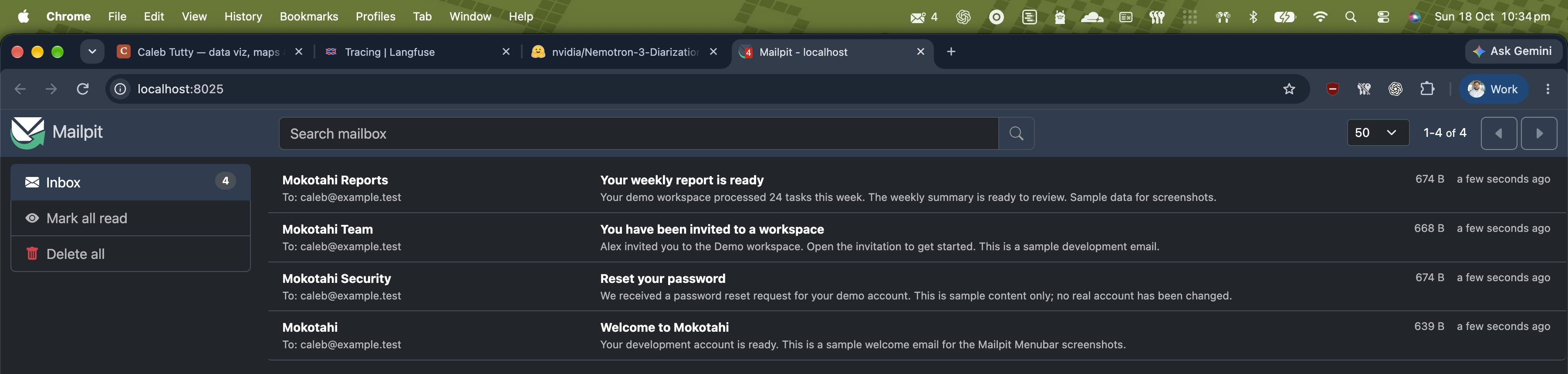
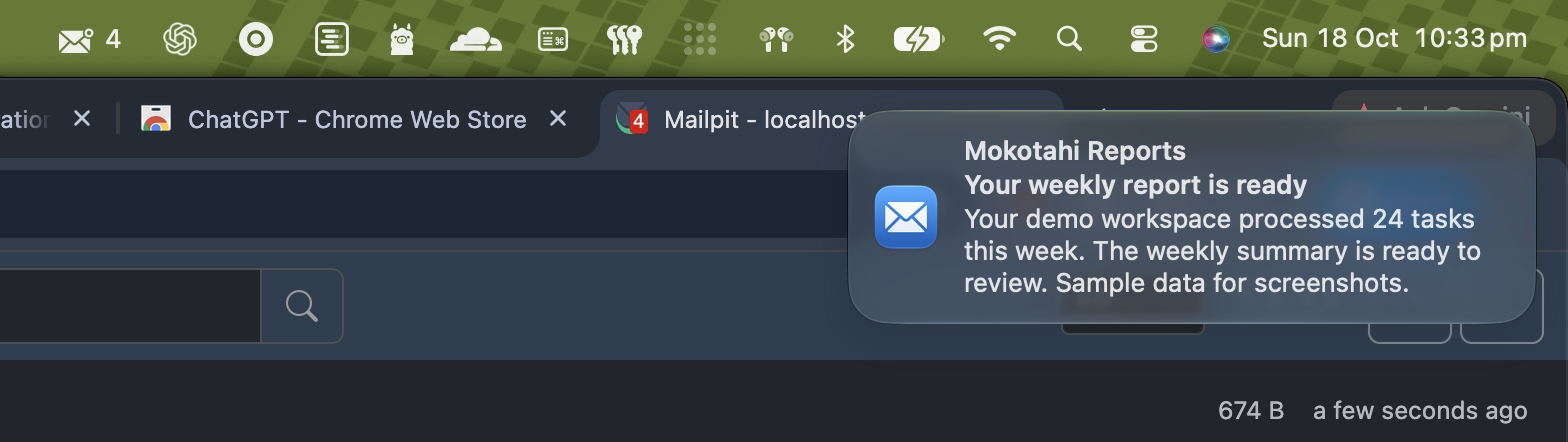
The practical development detail is packaging. This project’s notification flow needs a real .app bundle; running the executable through swift run alone is not the supported way to test it. The Makefile builds the release binary, adds the icon and Info.plist, embeds Sparkle, signs the bundle and launches it.
make run
On first launch, macOS asks for notification permission. If that prompt was dismissed, notifications can be enabled in System Settings. For a menu bar utility, it is worth testing the complete path: new message, visible notification, click, correct message in the browser.
Shipping is a separate piece of work
The application code is small, but distributing a macOS app adds its own machinery. Launch at Login uses SMAppService; installing the bundle in /Applications gives it a stable home.
Updates use Sparkle. The app reads an appcast from the latest GitHub release and verifies update signatures against the public key embedded in its configuration. The release script builds with a Developer ID identity and the hardened runtime, notarizes and staples the app, creates and notarizes a DMG, generates the appcast, then uploads the release assets.
Sparkle brings nested helpers inside its framework. The Makefile signs those from the inside out before signing the framework and application bundle. Local builds use ad-hoc signing by default; they are useful for development, but do not have the matching signature needed for Sparkle to install the published updates over them.
Try it
The project targets macOS 14 or later and builds with Swift 6 and Xcode 16 or newer command-line tools. With Mailpit already running, the default connection is http://localhost:8025.
git clone https://github.com/tuttinator/mailpit-menubar.git
cd mailpit-menubar
make run
Use make install to copy the bundle into /Applications. The repository README covers the menu actions and release prerequisites.
This is the sort of utility I like: a small addition to an existing workflow. Mailpit still does the work of inspecting email. The menu bar app makes it easier to notice when there is something to inspect.